Pixel-perfect multi-page PDFs with paginated layout, full typography, and bundled math and diagrams.
Available on the Mac App Store
Turn Markdown Into
Polished Documents
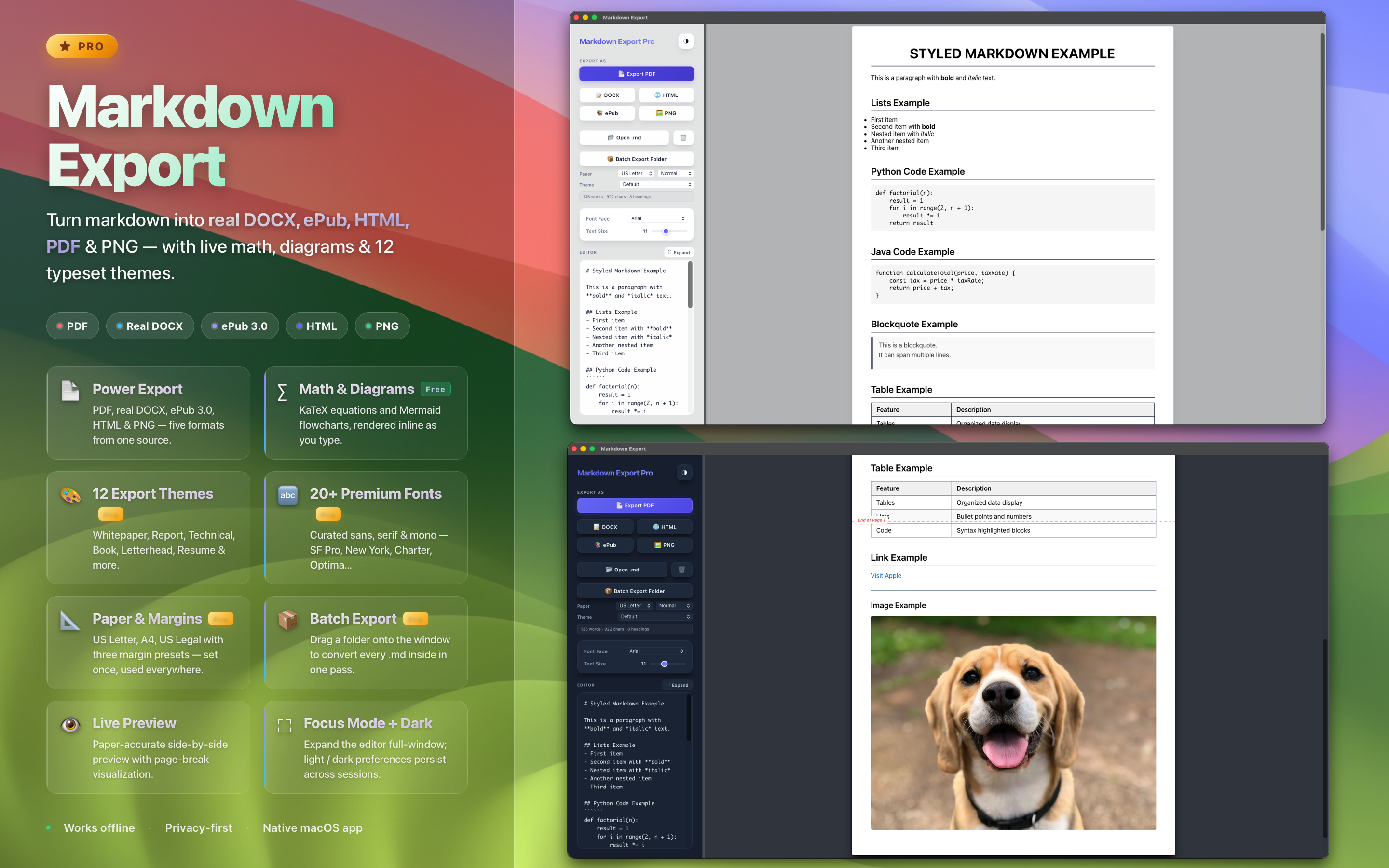
Export your markdown as professional PDFs, real Word documents, ePub books, HTML, and PNG — with live preview, math, diagrams, and 12 typeset themes.
PDF
Real DOCX
ePub 3.0
HTML
PNG
Export Formats
One App. Five Formats.
Professional-grade rendering for every document type you need — all on-device.
Real DOCX
Native Office Open XML — not HTML in disguise. Open in Word, Pages, or Google Docs with formatting intact.
ePub 3.0
Standards-compliant ebooks ready for Apple Books, Kindle Previewer, or any modern reader.
HTML
Self-contained styled HTML — a single file you can email, host, or archive without external assets.
PNG Image
High-resolution image exports for social media, slide decks, or quick visual share — free for everyone.
Features
Built for Precision
Everything you need to write, preview, and export — nothing you don't.
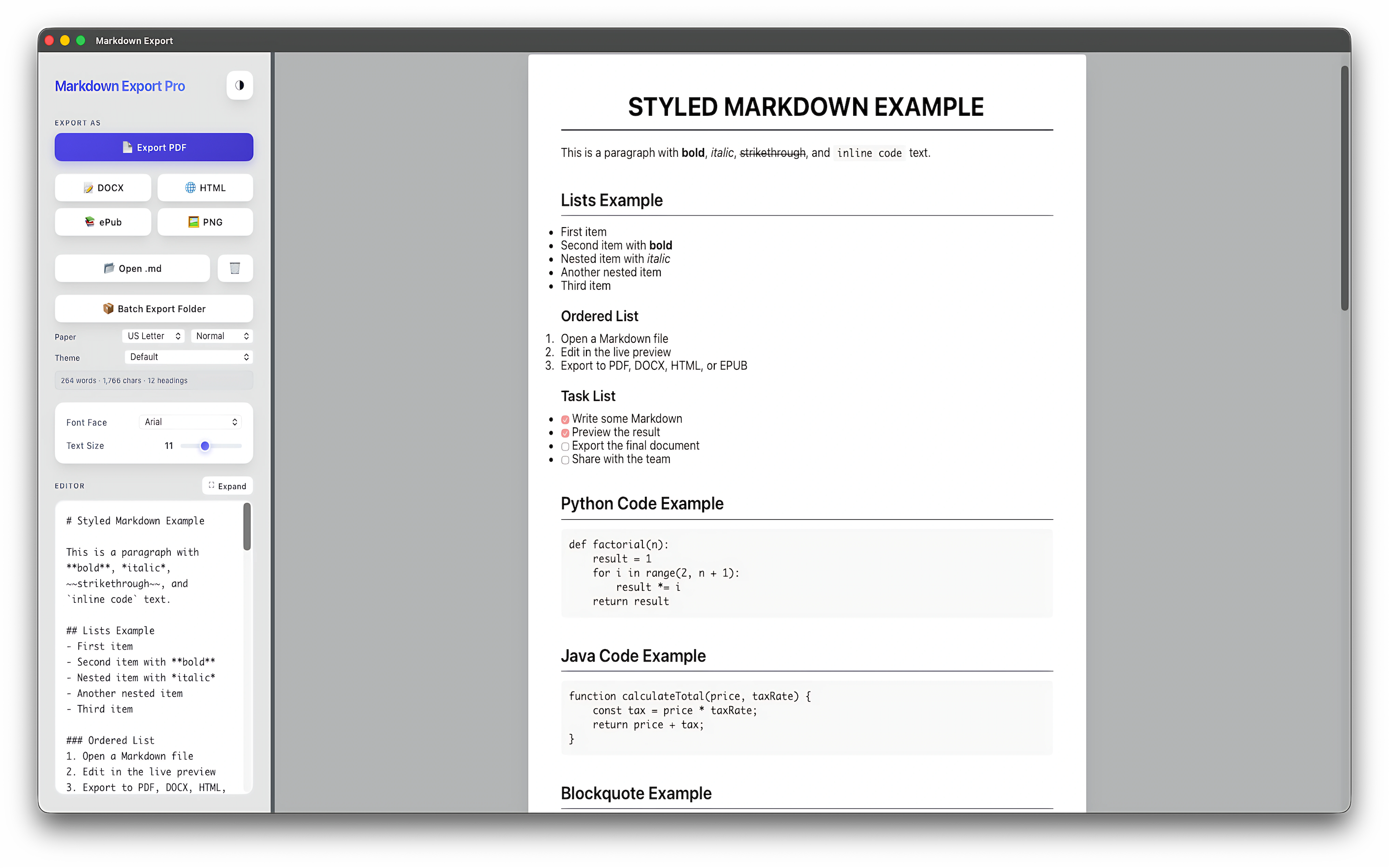
Live Preview
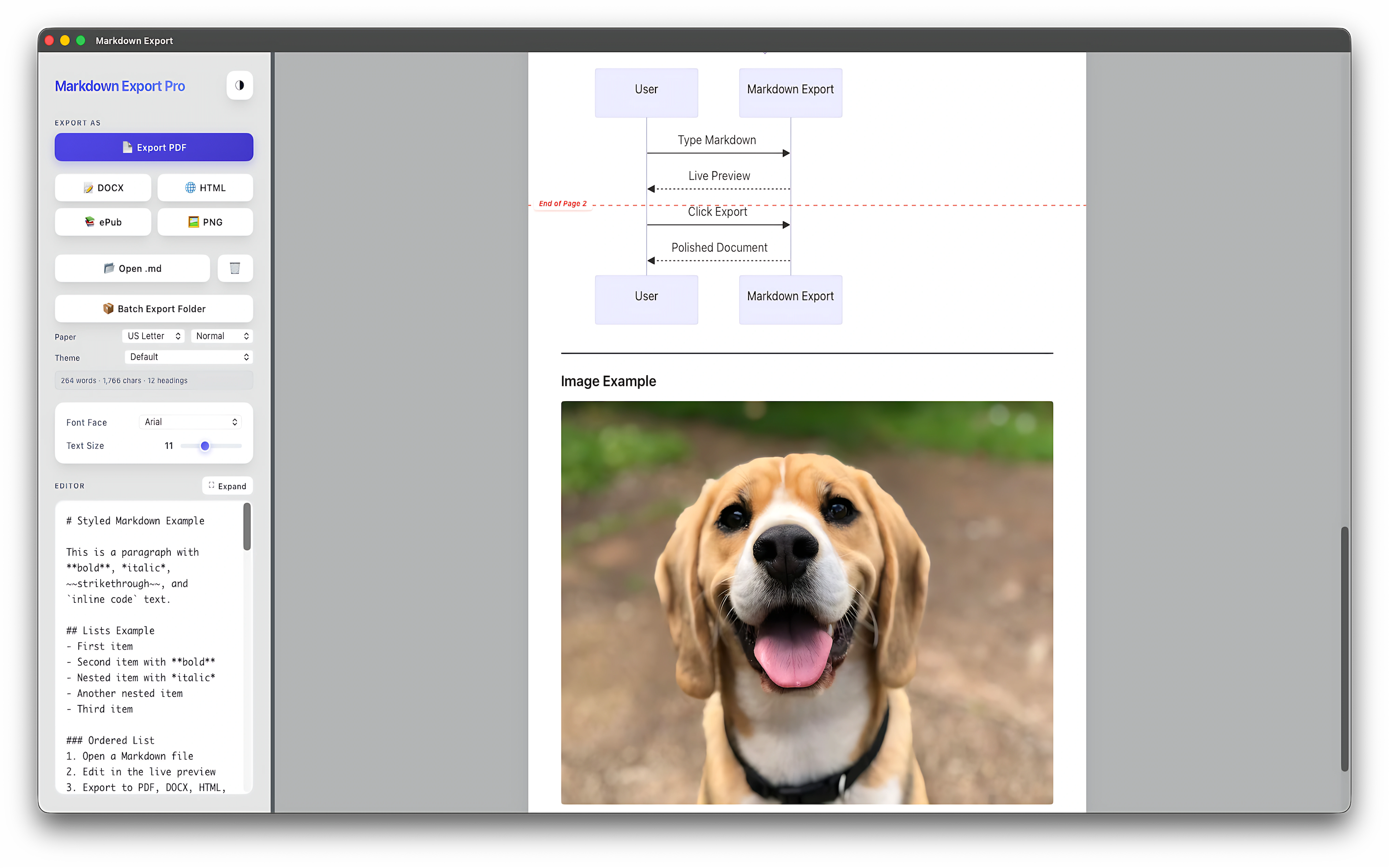
Your document updates in real time as you type — math, diagrams, code, and tables all rendered inline.
Math & Diagrams
Beautiful KaTeX equations ($...$, $$...$$) and Mermaid flowcharts from fenced code blocks.
12 Built-in Themes
Whitepaper, Report, Technical Docs, Minimal, Book, Letterhead, Resume — grouped by category for fast switching.
Batch Export
Drop a folder of .md files onto the window and the Pro batch runner converts every one in a single pass.
Paper & Margins
US Letter, A4, US Legal with three margin presets — pick the page geometry once and every export respects it.
20+ Premium Fonts
Curated sans, serif, and mono families — SF Pro, New York, Charter, Optima, Hoefler Text, Menlo, and more.
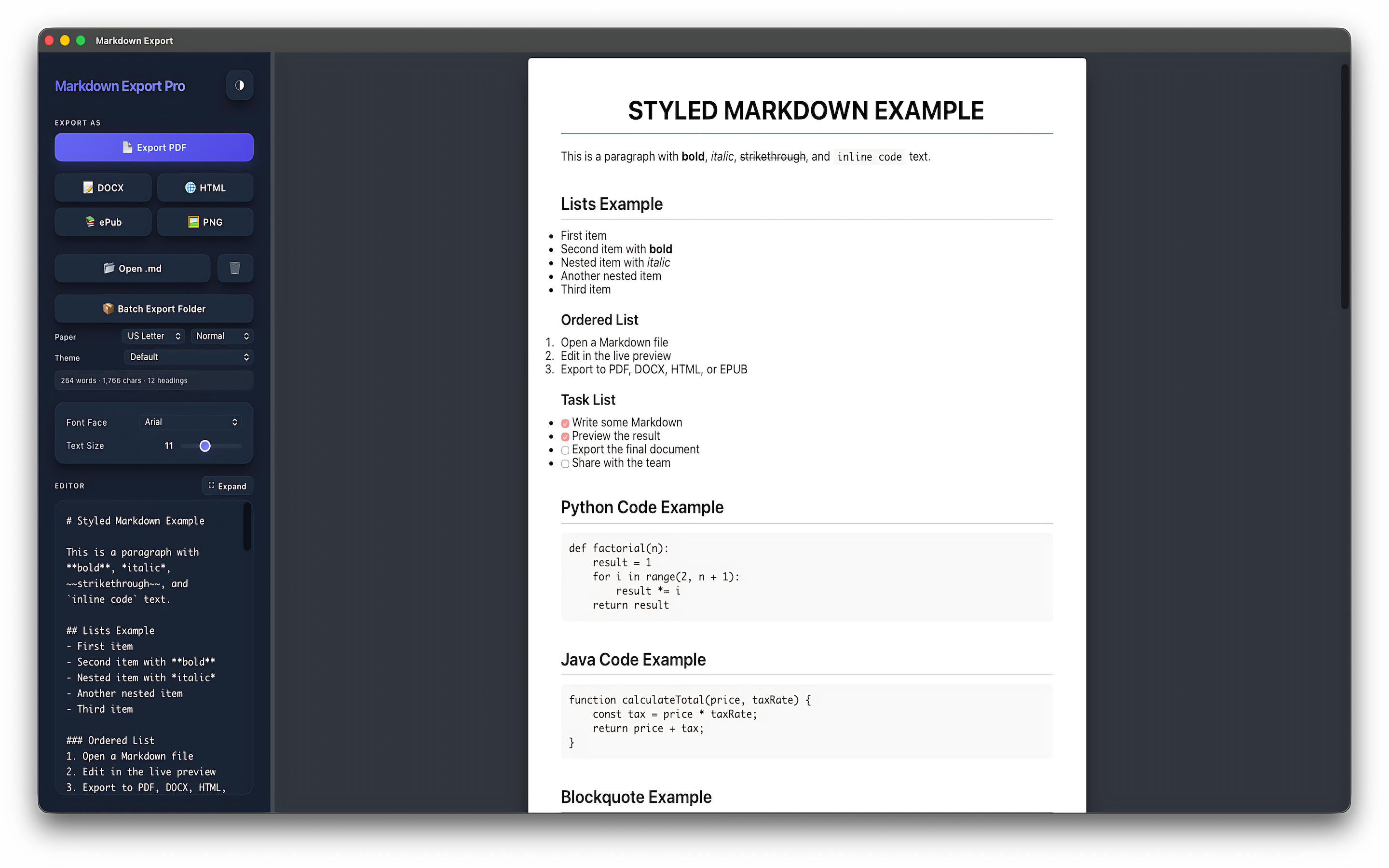
Dark Mode & Focus
Comfortable day-or-night editing with persisted preferences plus a focus mode that expands the editor full-window.
Intelligent Image Loading
All images finish loading before export fires — no missing assets, no half-rendered pages, every single time.
Who It's For
Made for Makers
Whether you're a developer, writer, or professional — Markdown Export fits your workflow.
Developers
Convert technical docs, READMEs, and API documentation into polished PDFs for stakeholders.
Writers & Bloggers
Export blog drafts and articles as Word docs or PDFs to share with editors and publishers.
Professionals
Generate styled CVs, portfolios, and business reports in seconds from clean Markdown source.
Students & Researchers
Format academic notes and research summaries into clean, shareable documents instantly.
Project Managers
Turn project notes and sprint reports into professional documentation with one click.
Content Creators
Share Markdown content as PNG for social media or embed exports in presentations effortlessly.
Pricing
Start Free. Go Pro Anytime.
Try Markdown Export at no cost — upgrade when you're ready for unlimited exports.
Free
$0
5 lifetime exports
- ✓ PDF and PNG export
- ✓ Live preview with math & diagrams
- ✓ Default theme + free fonts
- — DOCX, ePub, HTML
- — 12 themes & 20+ fonts
Pro Monthly
$3.99
per month · cancel anytime
- ✓ Unlimited exports
- ✓ DOCX, ePub, HTML unlocked
- ✓ 12 themes & 20+ fonts
- ✓ Batch folder export
- ✓ Paper & margin presets
Best Value
Pro Yearly
$14.99
per year · just $1.25/month
- ✓ Everything in Monthly
- ✓ Save 69% vs Monthly
- ✓ All future Pro updates
Lifetime
$29.99
one-time payment
- ✓ Unlimited exports forever
- ✓ All Pro features
- ✓ All future Pro updates
- ✓ No subscription, ever